A Day in the Life of a Porting Engineer: Devkits, Coffee and Crash Dumps
What does a porting engineer actually do all day? An inside story from 09:00 to 18:00: overnight builds, stand-ups, crash dump triage, devkits, frame-time spikes and certification checklists.
 Sylwester PilarzHead of Design
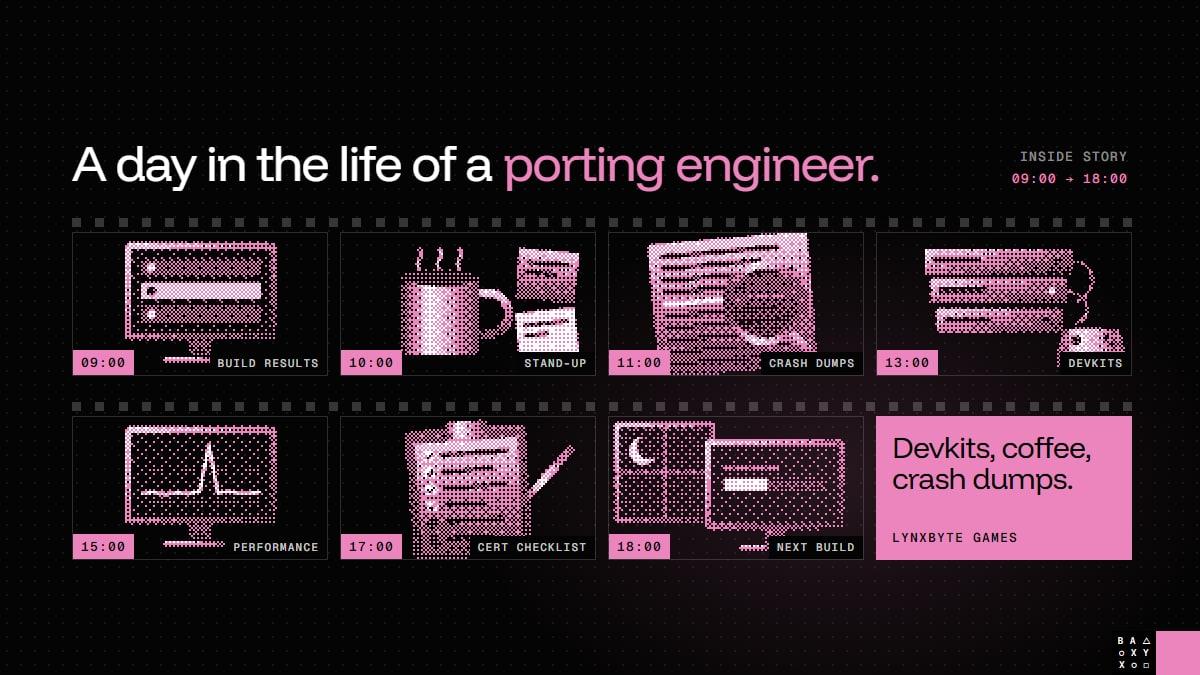
What does a porting engineer actually do all day?
Ask around and you'll hear "makes the game run on console", which is true in the same way that a pilot "makes the plane go to Madrid". The interesting part is everything in between. So here is an inside story of a typical day on a console port, from the first coffee to the last build of the evening.
One note before we start. Showing a real porting desk is harder than it sounds: devkits, platform tools and unreleased builds are covered by NDAs, so most of what's on those screens can't be shown. The frames below are illustrations, and the day is a composite of what this work usually looks like, not a diary of one person or one project.
09:00 - Overnight build results
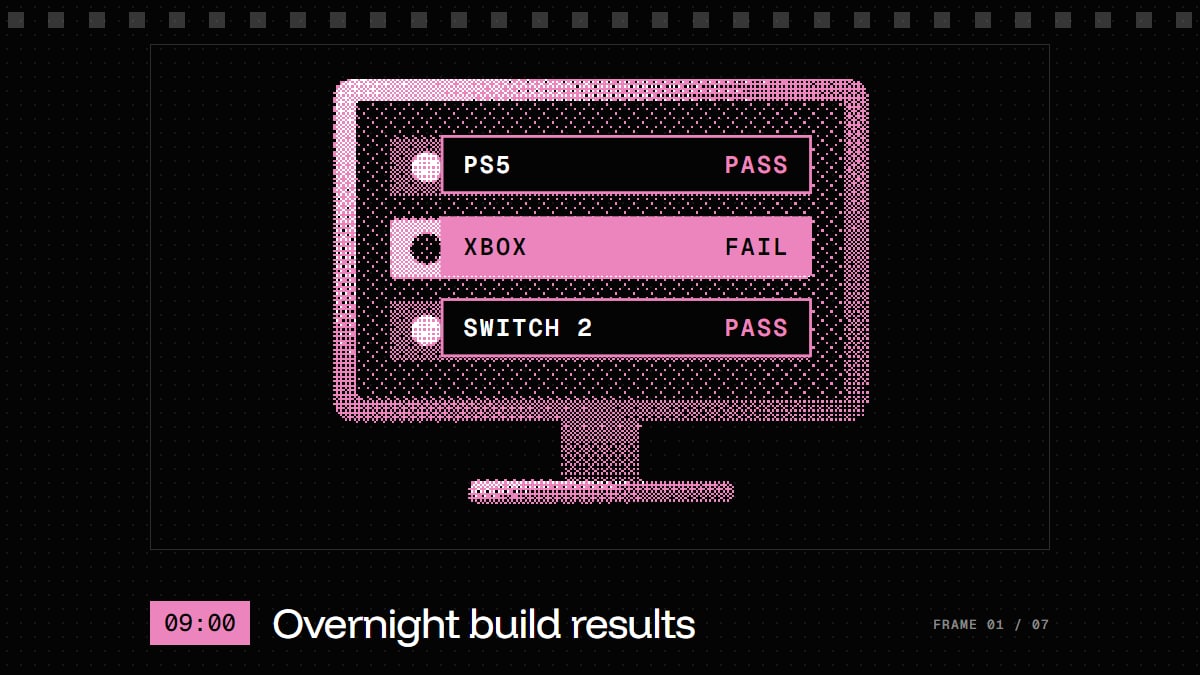
The day starts with the question that decides how the rest of it goes: what broke while we slept, and on which console?
Full console builds take time, because code has to be compiled and assets processed separately for every platform. So the build pipeline runs overnight, and the morning starts with a results table. Green means the build compiled and passed its smoke test: it boots, loads a level and doesn't fall over.
One red row is usually more informative than three green ones. If the same change passes on two consoles and fails on the third, you've just learned something specific about that platform.
10:00 - Stand-up with the producer

Second coffee, short meeting. What's blocking the build, what matters most today, and what the client needs to hear.
On our projects each client has a producer and a lead developer as direct contacts, with a shared project space and weekly updates. The stand-up is where a morning's worth of red rows turns into a priority list - and into a quick, honest note for the client, before they have to ask.
11:00 - Crash dump triage
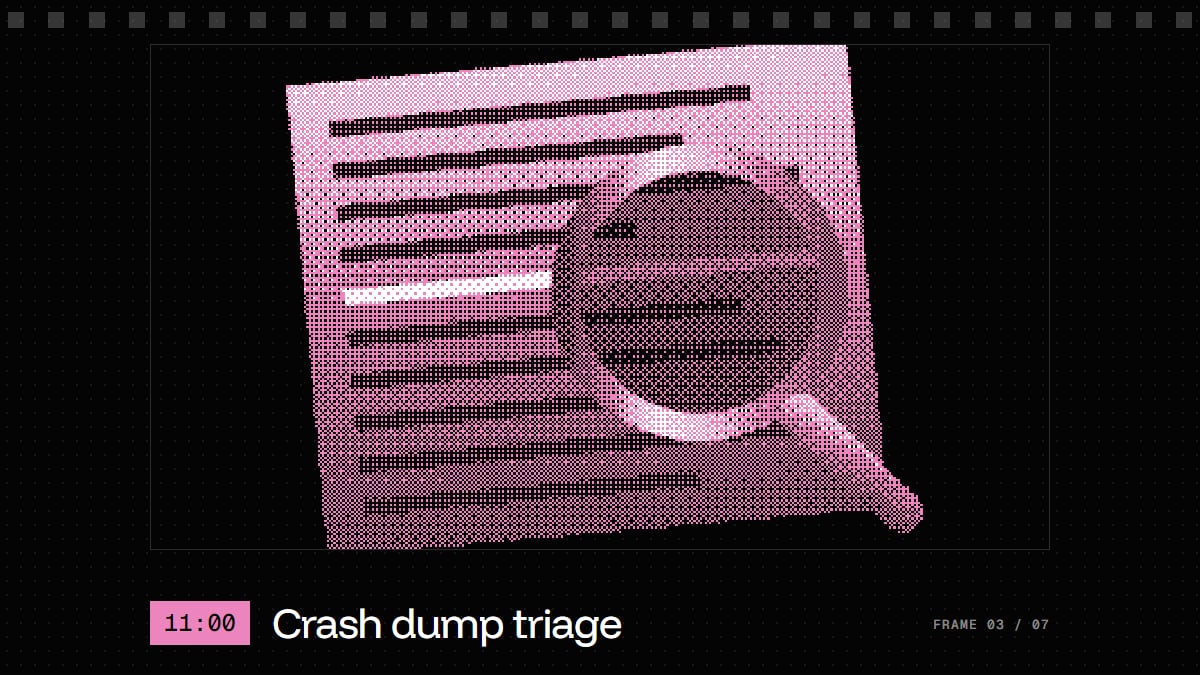
The stack trace always knows. Eventually.
A crash dump is a snapshot of the game at the moment it died: what was running, what was in memory and how it got there. Triage means going through the night's dumps and answering three questions:
- Is it new? Many dumps are often the same crash.
- Is it ours? The problem may be in game code, middleware or a platform call used the wrong way.
- Can we reproduce it? A crash you can trigger on demand is already half fixed.
The hard ones aren't the crashes that happen every time. They're the ones that happen once in four hours, on one console, after the player has been through a specific set of levels.
13:00 - Devkit time
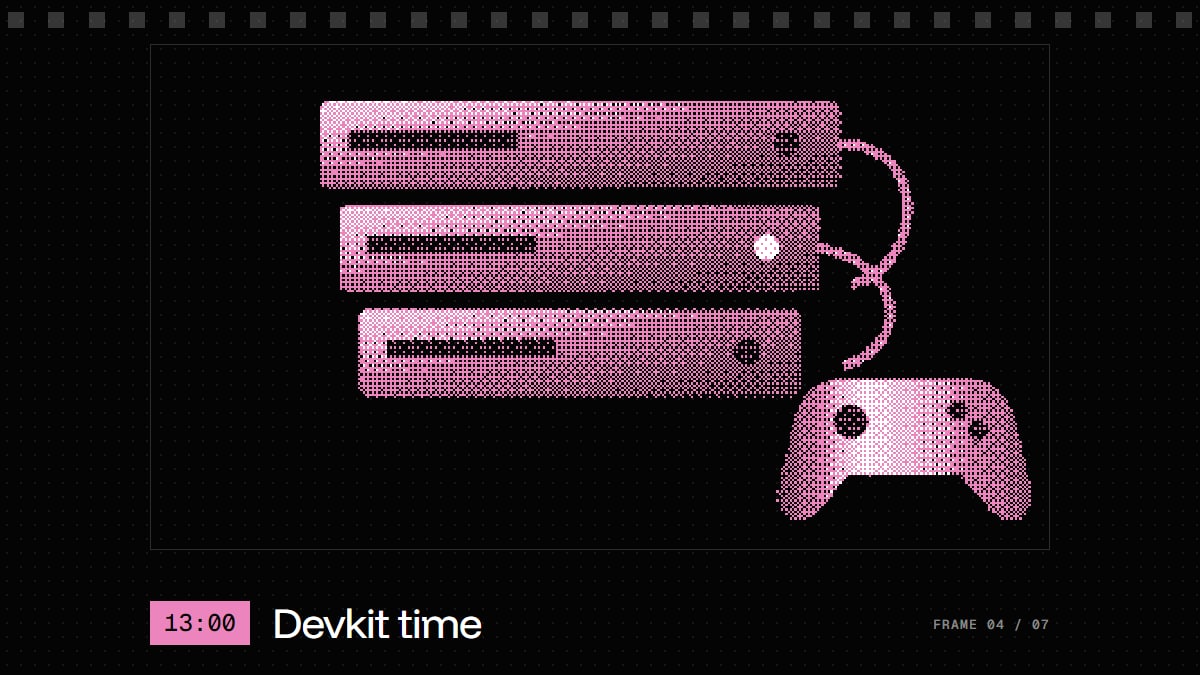
After lunch: hands on hardware. A dev kit is a version of the console built for development, with extra debugging tools. And the routine is simple: the same level, on every target console.
It's where assumptions go to die. Storage speed changes how the game streams its world. Memory limits decide which textures survive. A menu that worked with a mouse has to work with a controller from across the room. A PC build can look finished right up to the moment it boots on real hardware.
No spec sheet replaces this part. Each combination of console and scene has to be seen running.
15:00 - Performance capture
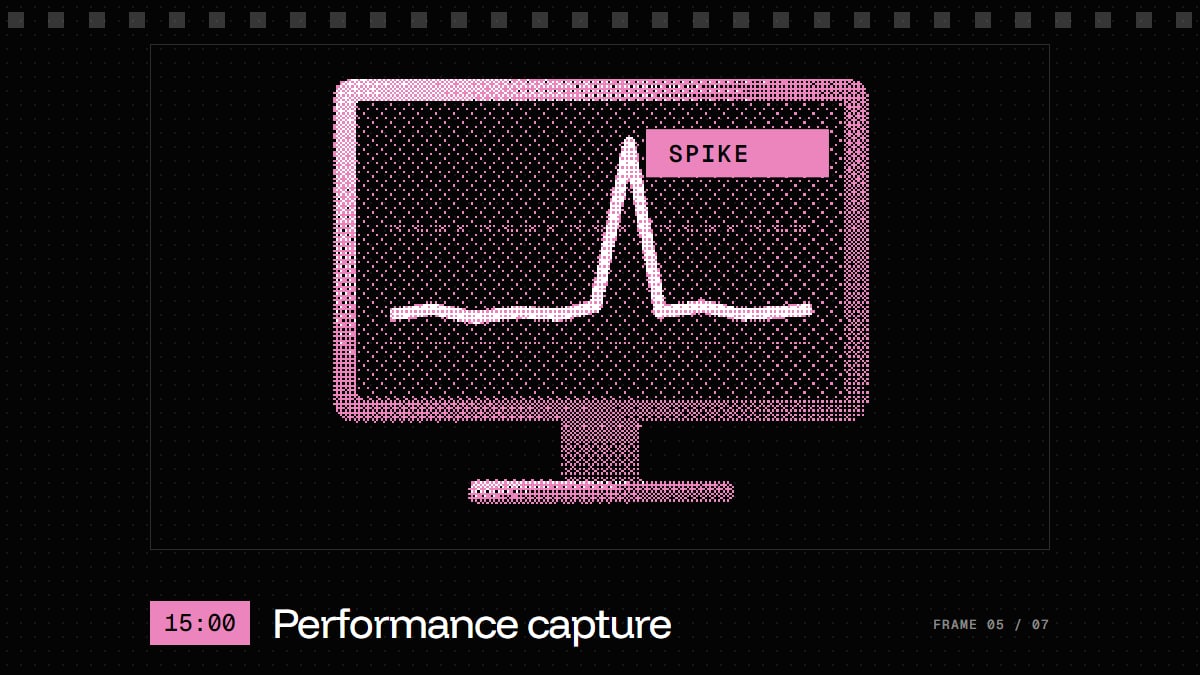
Hunting the frame-time spike nobody can reproduce.
At 60 fps the game has 16.7 milliseconds to produce each frame; at 30 fps, 33.3. An average frame rate can look perfectly healthy while a single long frame makes the game hitch at the worst moment. So the engineer records a capture with the platform's profiler, finds the spike and works out what was happening in that exact frame: streaming, shader compilation, physics, a burst of memory allocation.
Then it's fix, capture again, compare. On our projects every milestone has a performance gate: if the build doesn't hit its target frame rate and memory on the platform, it doesn't move on. And frame rate isn't the whole story - we wrote separately about where input lag comes from.
17:00 - Cert checklist
One requirement at a time.
Every platform holder has its own technical requirements checklist. It covers the things no player thinks about until they go wrong: controllers disconnecting, the console going to sleep, full storage, user switching, the correct name for every button.
The end of the day is a good moment to work through a few of them, because the fixes are small and the feeling of ticking a box is underrated. It's also how certification stops being a scary final exam. We keep checking requirements throughout the project, not at submission time. If you want examples, here are six bugs that pass every playtest and still fail certification.
18:00 - Kick off the next overnight build
The day's fixes get merged, the build queue starts, and every target platform gets its turn overnight. Regression testing will show whether today's fix for one console quietly broke another.
See you tomorrow, 09:00.
The day at a glance
| Time | What happens | What it protects |
|---|---|---|
| 09:00 | Overnight build results | Problems are found within a day of being introduced |
| 10:00 | Stand-up with the producer | Priorities stay clear and the client stays informed |
| 11:00 | Crash dump triage | Stability, starting with the most frequent crashes |
| 13:00 | Devkit testing | Real behaviour on real hardware |
| 15:00 | Performance capture | A stable frame time, not just a good average |
| 17:00 | Certification checklist | No surprises at submission |
| 18:00 | Next overnight build | Tomorrow starts with answers |
Less glamorous, just as important
Nobody puts a porting engineer's best day in a trailer. A good day is one where a crash stops happening, a spike disappears and a checklist gets shorter. If it's done well, players will never know any of it happened. They'll just play the game on the console they own.
Less glamorous than making the game. Just as important for getting it into players' hands.
Porting engineers: does this look like your day? What did we miss? And if you have a game that deserves to be on more platforms, get a free estimate or see how our game porting works.
Frequently Asked Questions
What does a game porting engineer do?
A porting engineer adapts an existing game to run well on new platforms. Day to day that means fixing platform-specific build problems, triaging crashes, testing on devkits, optimising performance and working through certification requirements.
What is a devkit?
A devkit, or development kit, is a version of a console made for developers. It lets them install work-in-progress builds and use debugging and profiling tools that retail consoles don't offer. Access is provided by the platform holders and covered by NDAs.
What is a crash dump?
A crash dump is a snapshot of a program at the moment it crashed, including what was running and what was in memory. Engineers use it to find where and why the game failed, even when the crash can't be reproduced on demand.
Why do game builds run overnight?
Full console builds compile code and process assets separately for each platform, which can take a long time. Running them overnight means the team starts the day with fresh results for every target platform.
Why isn't a stable average frame rate enough?
Because the average hides individual slow frames. A game can report a healthy average and still hitch when one frame takes far longer than its budget, so engineers look at frame time, frame by frame.
What makes console porting harder than it looks?
Each console has its own hardware limits, tools, controllers and certification requirements. A game that runs well on PC can still run out of memory, stream too slowly or break platform rules, and those problems often only appear on real hardware.