Unity vs Unreal vs Godot vs Custom Engines: Which Is Easiest to Port to Consoles?
Four engine families, ranked by how much platform work exists before a console port can even start. Unity and Unreal Engine ship official console support to approved developers, Godot reaches consoles through third-party porting companies and middleware, and a custom engine needs its own console layer. A comparison with the method behind it.
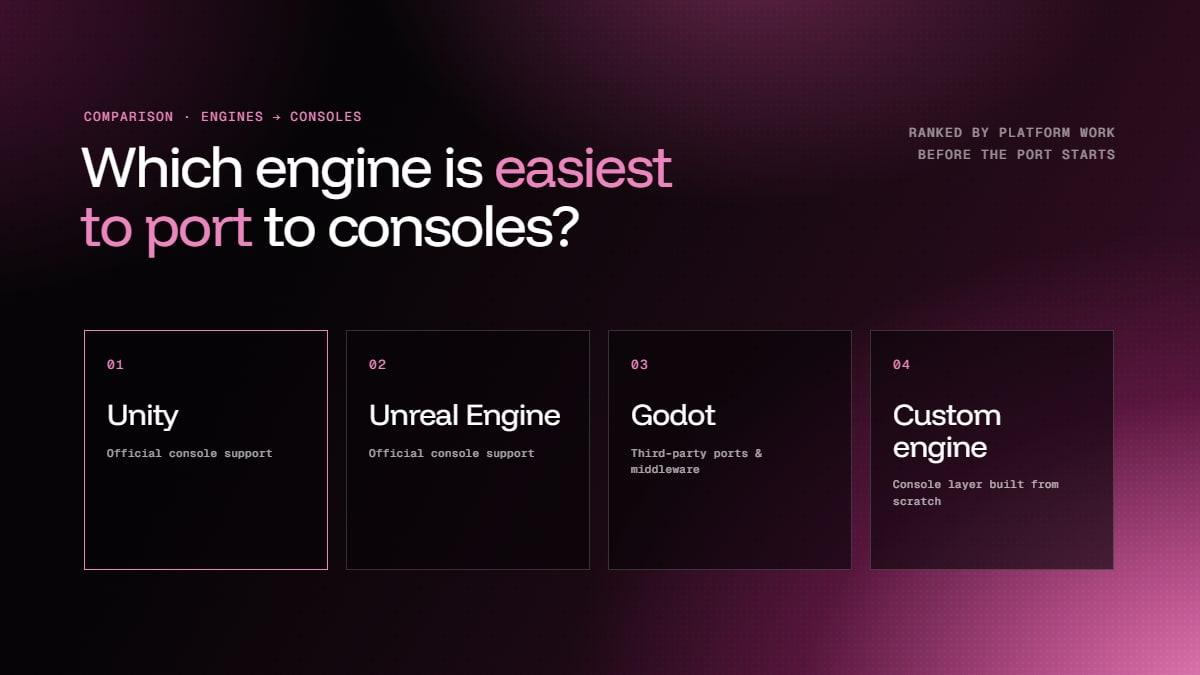
Short answer: Unity and Unreal Engine are the easiest to bring to consoles, because both engine makers provide console support to developers approved by the platform holders. Godot comes next: the engine has no official console exports, so consoles are reached through third-party porting companies or licensed middleware. Custom engines are the most work, because someone has to write the console layer the engine never had.
That's the ranking. The rest of this article explains how we got to it and where it breaks - because "easiest engine" says nothing about how hard a specific game will be.
How we compared them
We're a porting studio, and we port games in all four engine families - Unity, Unreal, Godot and custom engines - so we have no stake in which one you use. This comparison doesn't say which engine is best for making games. It ranks one thing: how much platform work exists before a console port can start, and how predictable the rest is.
We looked at four criteria, using only public information from the engine makers and our own porting experience:
- Official console support - does the engine maker provide console builds?
- Access route - what a developer has to do to get them.
- Engine-side work - what the porting team typically has to add or fix in the engine itself.
- Version risk - how much the engine version used by the game affects the port.
There are no scores. Scores would suggest a precision this question doesn't have.
The comparison
| Unity | Unreal Engine | Godot | Custom engine | |
|---|---|---|---|---|
| Official console support | Yes, from Unity | Yes, from Epic Games | No - through third parties | No - the owner builds it |
| Access route | Platform modules for approved console developers | Console code for developers approved by the platform holder | Third-party porting companies or middleware such as W4 Games | Platform SDKs, after approval by each platform holder |
| Engine-side work | Usually small; native plugins need console versions | Usually small; engine changes made by the game team must be carried over | Depends on the porting route and the Godot version | A full platform layer: rendering, input, file system, saves, system features |
| Version risk | Older Unity versions may need an engine upgrade | Older Unreal versions may need an upgrade; custom engine changes make it harder | The console port must match the game's Godot version | Old code, libraries and compilers can block the port |
| Typical bottleneck | Garbage collection and CPU cost of scripts | GPU cost and memory on weaker hardware | Finding a supported route for the exact version | Building and certifying the platform layer |
1. Unity
Unity provides console build support - for PlayStation, Xbox and Nintendo platforms - through platform modules that are available only to developers approved by the platform holder. Once you have access, the editor can build for the console, and most gameplay code carries over.
What makes a Unity port hard is rarely the engine. It's what the game added to it: native plugins without console versions, an old Unity version that no longer supports the current console SDKs, and C# code that allocates memory every frame, which causes garbage collection spikes on slower CPUs.
2. Unreal Engine
Unreal Engine's console support comes from Epic Games, again only after the developer is approved by the platform holder. Like Unity, the engine itself is ready for consoles.
Unreal ports get harder when the game team changed the engine source - those changes have to be merged into a version that supports the target console - and when a PC game leans on rendering features that a weaker console GPU or a handheld can't afford. Our Trail Out on PlayStation 5 and Wild West Legacy case studies show what that work looks like.
3. Godot
Godot's documentation states that the engine doesn't officially support consoles other than Steam Deck, citing legal liability, cost and open-source licensing issues. Console SDKs are under NDA, so they can't be part of an open-source engine. Instead, the documentation lists third-party companies that port and publish Godot games on consoles, and middleware - W4 Games is named for Switch, Xbox Series X|S and PlayStation 5 - that gives approved developers a console-ready version of Godot.
So a Godot console port is very possible - we ship them - but it starts with a question the other engines don't have: which route supports your exact Godot version and language on your target consoles? Answer that first, and the rest is a normal port.
4. Custom and proprietary engines
A custom engine has no console support until someone writes it. That means a platform layer for rendering, input, file access, save data, user accounts, suspend and resume, and every system feature the platform requires for certification. Old engines add more: dated compilers, abandoned middleware, 32-bit code.
It's the most work - but also the most control, and often the right call for a game that depends on its engine. Sometimes the better answer is moving the game to a modern engine instead; see Unreal Engine migration and Remaking a game on a custom engine.
Where the ranking breaks
The engine sets the starting line, not the finish. A clean custom-engine game can be an easier port than a Unity game with ten unsupported plugins and a ten-year-old engine version. What really decides cost and timeline:
- how far the game's hardware needs are from the target console's (memory, CPU or GPU);
- third-party plugins and middleware;
- the engine version and how much the engine was modified;
- input and UI built for mouse and keyboard;
- online features that touch platform services.
That's why we start every port with a look at the actual project. Send us the details and you get a free first estimate within 3 business days.
Frequently Asked Questions
Which game engine is easiest to port to consoles?
Unity and Unreal Engine, because both engine makers provide console support to developers approved by Sony, Microsoft and Nintendo. Godot reaches consoles through third-party porting companies and middleware, and custom engines need their own console layer, which is the most work.
Can Godot games be released on PlayStation, Xbox and Nintendo Switch?
Yes. Godot doesn't provide official console exports, but its documentation lists third-party companies that port and publish Godot games on consoles, and middleware such as W4 Games for Switch, Xbox Series X|S and PlayStation 5. The developer still has to be approved by each platform holder.
Do I need to upgrade my Unity or Unreal version to port to consoles?
Often, if the game uses an old version. Platform holders require current SDKs, and older engine versions may not support them. An engine upgrade is then part of the port, and plugins and custom engine changes have to be updated with it.
Is a custom engine always harder to port than Unity or Unreal?
It usually needs more engine-side work, because the console layer has to be written. But the overall difficulty depends on the whole project - plugins, hardware demands, input and online features - so a well-structured custom engine can be easier to port than a heavily modified commercial one.